Why We’re Retiring Portfolio Management And Where To Go Next

- October 30, 2026
- min read
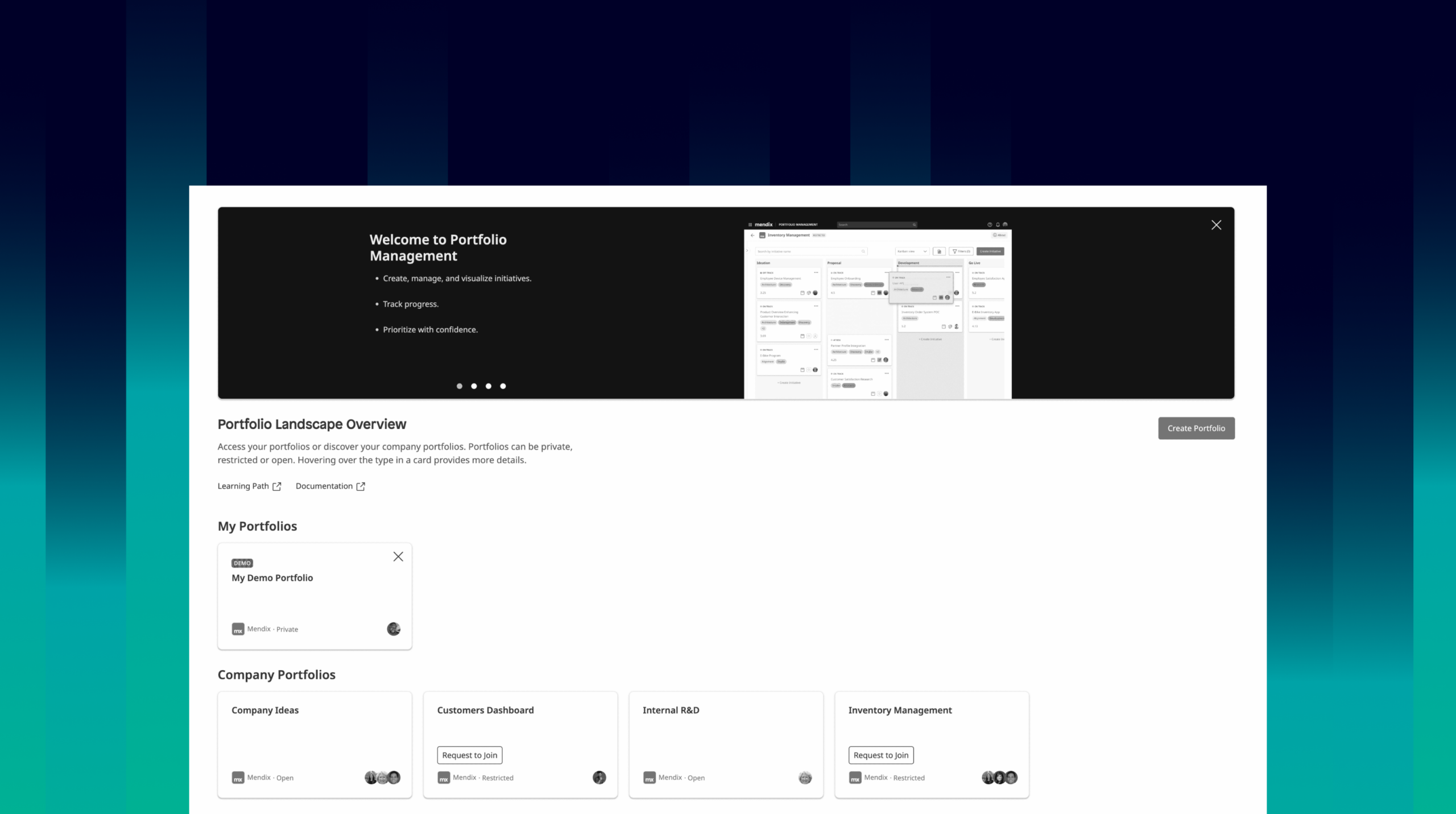
We’re retiring Portfolio Management on April 8, 2027. From that date it can no longer be accessed. Until then it remains available, and this post explains why we’re making this change, where each part of your workflow continues, and what to do before the retirement date.
Every organization that builds on Mendix ends up asking the same questions. What have we built? Who is using it? Where should we invest next? Helping you answer them has been part of our platform story for a long time. We introduced Portfolio Management as part of our push for continuous collaboration between business and IT across the whole application lifecycle.
We have learned a lot since then, mostly from you. We’re announcing this now, so you have time to plan.
Where your portfolio workflow continues
Portfolio Management combined several jobs in one product. Here is where each of them continues:
If you used Portfolio Management to… |
…here is how to handle each part of that workflow going forward |
| Capture ideas and prioritize initiatives | Your organization’s planning tool of choice. Once an initiative is approved, Maia Plan can help turn it into a scoped plan with epics and stories for your app. |
| Track initiatives through delivery | The planning tools your teams already use, such as Jira, Azure DevOps or Microsoft Planner. |
| Track the cost and usage of what you build | Control Center and App Insights, for usage and cost of the apps you run. |
| Show colleagues what has been built with Mendix | Company Apps and the application overview in Control Center. |
Going forward, capturing, prioritizing and tracking initiatives lives in the planning tools you already use, not in the Mendix platform. Mendix focuses on what only the platform can give you: a data-driven view of your Mendix application landscape in Control Center and Company Apps. That view comes straight from platform data, so nobody has to enter it by hand or keep it up to date in two places.
What we learned from you
Over the past few years we’ve talked in depth with organizations that run portfolio management at scale. Three things came up in almost every conversation.
Enterprises build with more than one technology. Mendix runs alongside SAP, Java, Power Platform and many other stacks. Intake and prioritization happen across all of them. A portfolio process that only covers part of the landscape gives you only part of the picture, and our customers told us they need one process for everything.
Initiative planning already has a home. Teams track initiatives and delivery in the planning tools they have standardized on, such as Jira, Azure DevOps or Microsoft Planner. They want one source of truth, not two.
What only Mendix can show you is your Mendix landscape. You asked us for a clear, current view of the apps you run on Mendix, how they are used and what they cost. That view comes from data the platform already has, so you shouldn’t have to enter it by hand.
Portfolio management is a practice, and it works with whichever tool you manage it in. Our part is to give you good insight into your Mendix landscape to feed that practice.
Portfolio management is a practice, and it works with whichever tool you manage it in. Our part is to give you good insight into your Mendix landscape to feed that practice.
What happens next, and what you need to do
From October 30, 2026: Portfolio Management stays available and works as it does now. We will continue to deliver security patches and critical fixes, but no new features.
Before April 8, 2027: Export any initiatives you want to keep. You can export to Excel from within Portfolio Management at any time. Exports are done per portfolio, and active and archived initiatives are exported from separate pages, so repeat the export for each portfolio you want to keep. Export and Import Initiatives explains how.
April 8, 2027: Portfolio Management is retired and can no longer be accessed.
After retirement: Your data will be kept for 12 months and then deleted in line with our data retention policy. If you need access to your data or want to obtain a copy during these 12 months, you can request it via Mendix Support.
If you rely on Portfolio Management today and would like help planning your move, open a request via Mendix Support. We’re happy to talk it through with you.
To everyone who used Portfolio Management and took the time to tell us what worked and what didn’t: thank you. Your feedback shaped this decision.