Service Consumption
How Can I Consume a REST API?
Calling a REST service is simple. First you define the request in a Consumed REST service document. Start by configuring the request according to the API you want to call: the URL, headers and parameters. Paste an example of what the request body looks like, a JSON message for instance, and choose to automatically create an entity for your request body. Once you test the request, it will capture the response body and you have the option to automatically generate an entity out of it.
Alternatively, you can simply provide an OpenAPI contract when creating a Consumed REST Service document and select the operations to import. The requests will be automatically defined based on information provided in the contract.

Finally, you can call any API defined in a Consumed REST Request document using the Send REST Request activity in your microflows. Simply select the request you want to call then specify your parameter values and input and output entities.
How Can I Consume a SOAP Service?
When you have a WSDL (either from a Mendix application or from a third-party application), you can import it into your Mendix app. All you have to do is create a new consumed web service document and specify the location of your WSDL.
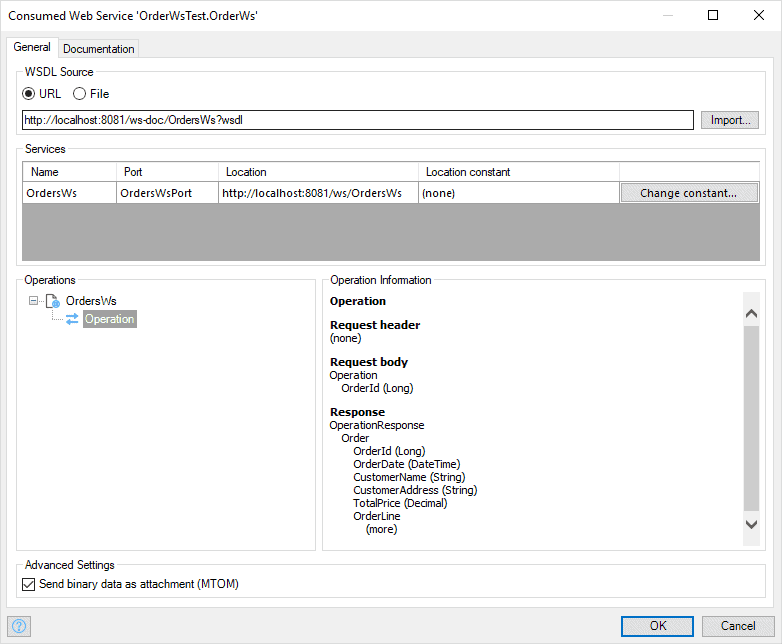
You can call any operation in the consumed web service via the Call Web Service activity in a microflow. When calling an external web service, you can use import and export mappings to ensure your domain models are easily converted to and from any messages you need to exchange with the service.
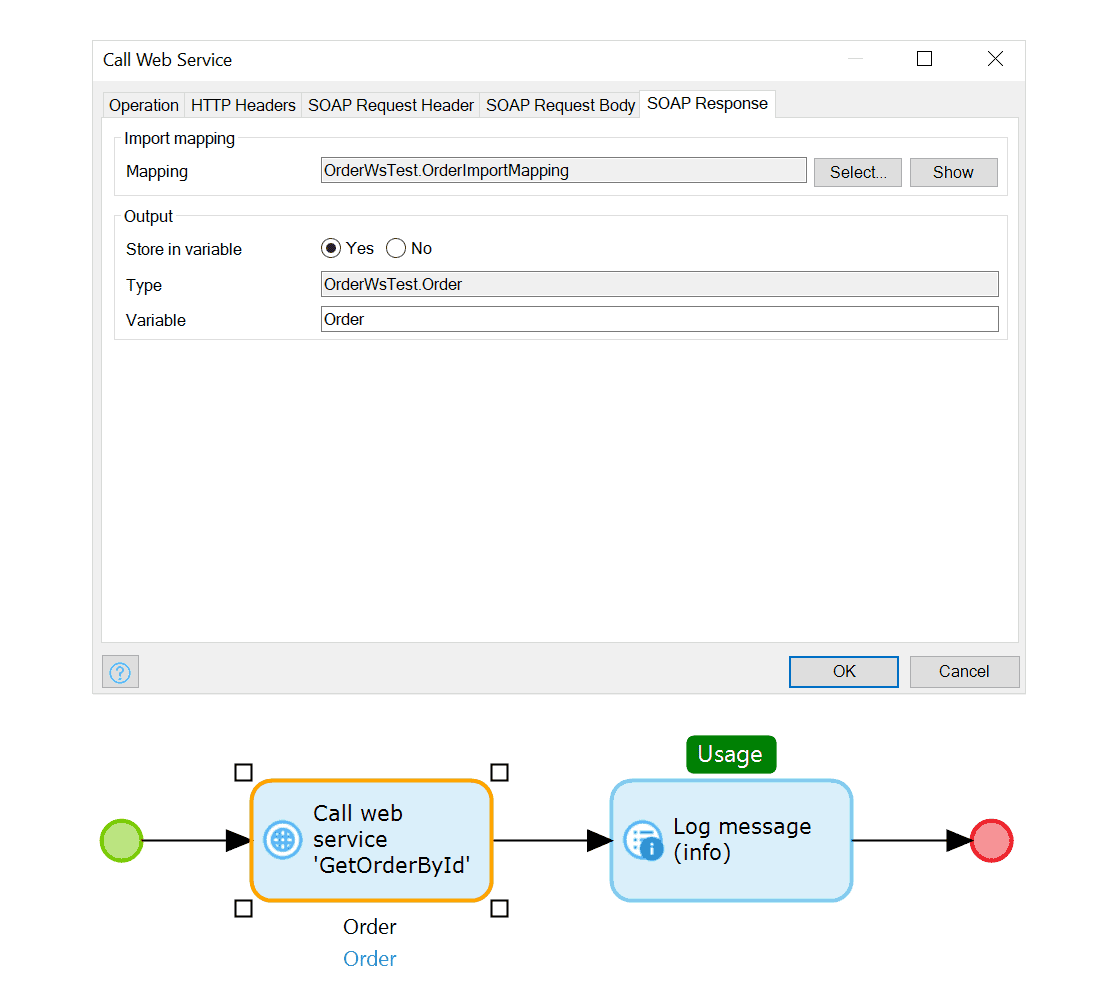
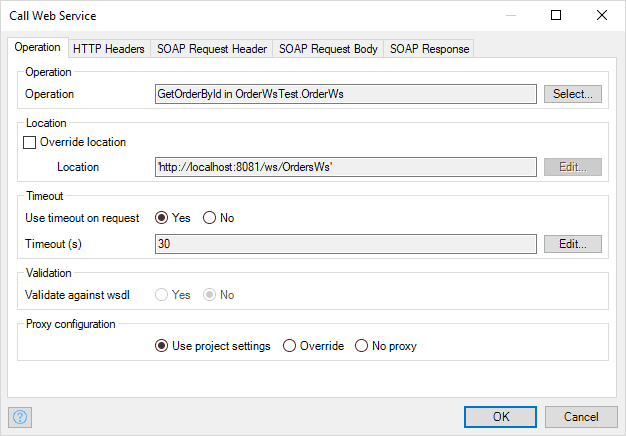
The Mendix Platform offers you all the control and flexibility you need when dealing with web services:
- Proxies – You can define proxy settings per app, but also override proxy settings per service call. This can be useful when internal web services need different proxy settings from external services.
- Timeouts – To deal with unresponsive services, you can specify timeout settings. In the error handler of the service call, you can define what to do in case of an unresponsive service.
- Authentication – Mendix supports different ways of providing credentials to external services, from basic HTTP authentication to completely custom SOAP header settings.
- Certificates (security) – You can provide client certificates for authentication with services. For details, see How to Use a Client Certificate in the Mendix Studio Pro How-to’s.
- Binary attachments – Mendix provides out-of-the-box support for efficiently sending binary data using the Message Transmission Optimization Mechanism (MTOM).
How Can I Consume an OData API?
Mendix offers 2 ways to consume OData APIs. The first is by using the consumed REST service document described above. As OData APIs are REST APIs, you can call them like any other REST API. The second option Mendix provides is by using External Entities and External Actions. External Entities represent OData resources as Entities in your domain model, so you can more easily use them in your pages, widgets and microflows. OData actions can be called through Microflow External Actions. Benefit of using External Entities and External Actions is that most of the technical details of the API call are handled by the Mendix platform automatically, based on your data need in your Mendix application.
How Can I Consume a GraphQL API?
You can call a GraphQL API using the consumed REST service document. You provide the GraphQL query in the request payload, which results in a regular JSON response payload. This can be mapped to entities interactively.
How Can I Implement a Custom HTTP Protocol in Mendix?
To implement a custom HTTP protocol in Mendix, you can leverage several powerful features. Firstly, the Call REST service module allows you to make direct HTTP requests from within your Mendix app. Additionally, you can use a custom Java action to write and execute more complex logic related to your custom protocol.
How Can I Use Certificates to Secure My Integrations?
For secure interactions, Mendix allows you to add client certificates and supports key pair authentication for databases like Snowflake and PostgreSQL, ensuring robust security measures are in place.